Update your holiday hours before November
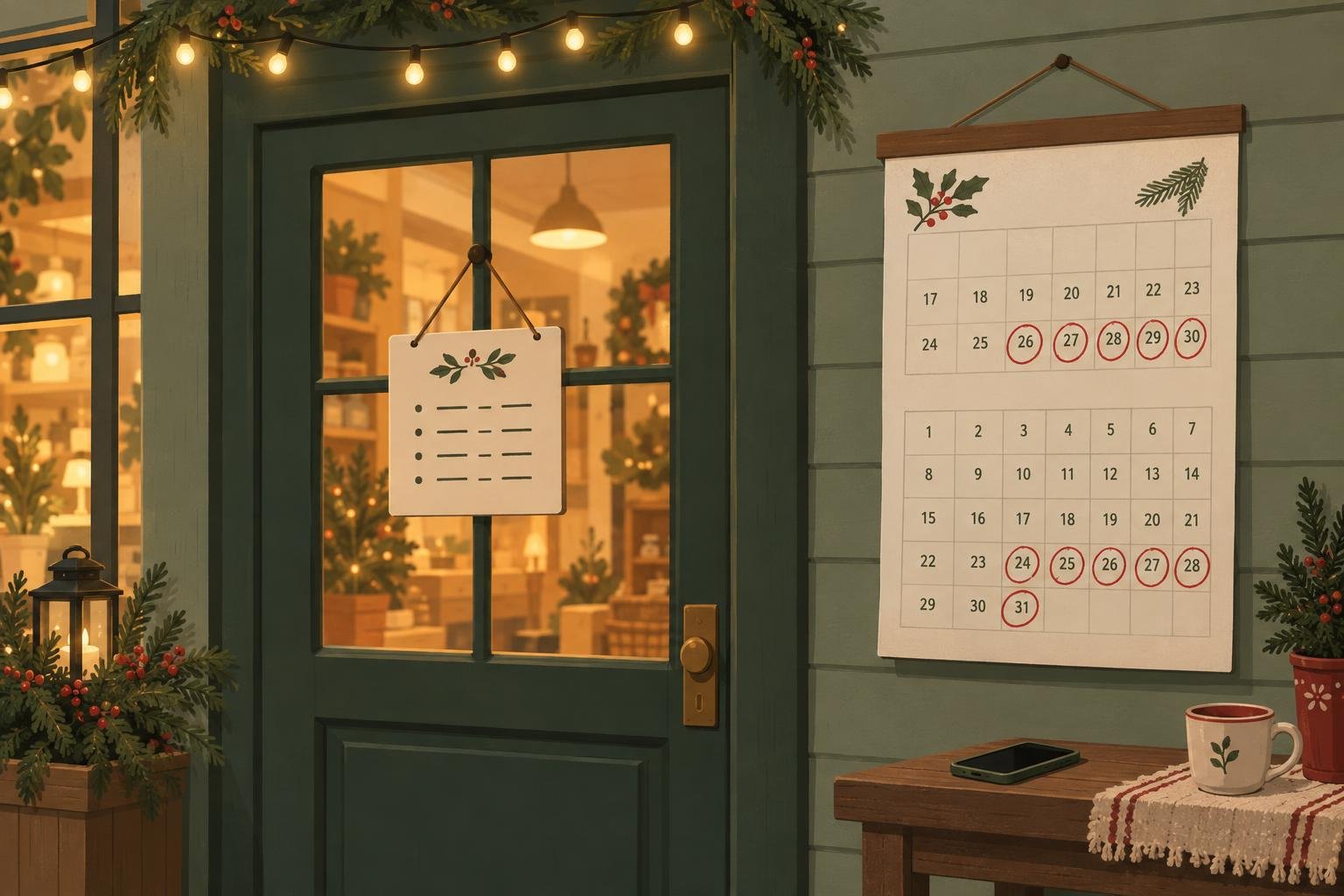
From Thanksgiving through New Year's, customers check opening hours more than at any other time of year, and they check them on their phones, often minutes before they leave. Setting your holiday hours now, before the rush, saves you from wrong-hours complaints and lost sales later.
Which days should I plan for?
- Thanksgiving, Thursday November 26, 2026, and the Friday and weekend after it.
- Christmas Eve and Christmas Day, Thursday and Friday, December 24 and 25.
- New Year's Eve and New Year's Day, Thursday and Friday, December 31 and January 1.
- Any extended evening or weekend hours you run for holiday shopping.
- Days you close for inventory, staff time off or a winter break.
Where do my holiday hours need to appear?
Everywhere customers look, and the same everywhere:
- Your Google Business Profile, using its special hours setting for specific dates, so your regular hours stay unchanged.
- Your website, ideally as a short note on the home page and your contact page.
- Other listings you use, like Apple Maps, Yelp or booking apps.
- Your door sign and phone message.
If your website says you are open and your Google profile says you are closed, customers and AI assistants have to guess which one is right. We wrote more about this in why your Google profile and website should match.
What should a holiday hours note say?
Keep it short and specific. List each date with its hours, say when regular hours resume, and mention anything that changes, like last order times or holiday gift card sales. "Closed Thursday, November 26. Open 8 am to 2 pm Friday, November 27. Regular hours resume Saturday." is all a customer needs.
Do not forget to take it down
Set a reminder for early January to remove the holiday note from your website. Outdated hours left up through February are almost as confusing as missing ones.
How Lentil helps
With Lentil you can ask the editor, or the AI assistant you already use, to "add our holiday hours to the home page" and it drafts the change for you. Nothing goes live until you publish it. You can also link your Google Business Profile to your Lentil site.
Change your website by asking
Start a free Lentil site and update hours, menus and pages in plain words. No card needed.
Start free