Five accessibility fixes every small business website should make
An accessible website is one that people can use whether they see, hear or move differently, including customers who use a screen reader, zoom in on their phone or navigate with a keyboard. It is also good business: the same fixes make your site easier for everyone to use, and easier for search engines and AI assistants to read. These five fixes cover the most common problems we see on small business sites.
1. Is your text easy to read against its background?
Light gray text on white and white text over busy photos are the most common accessibility problems on the web. The WCAG guidelines ask for a contrast ratio of at least 4.5 to 1 for normal text. If you have to squint, so do your customers, especially outdoors on a phone.
2. Do your images have descriptions?
Alt text is a short description of an image that screen readers read aloud. Describe what matters: "Our storefront on Main Street" is better than "image1.jpg" or nothing at all. Purely decorative images can have empty alt text so they are skipped. Never put important information, like your hours or a menu, only inside an image.
3. Are your headings in order?
Each page should have one main heading, followed by section headings in a logical order. Screen reader users jump between headings to skim a page, the way sighted visitors scan for bold titles. Do not pick a heading level just because of its size.
4. Can someone fill in your contact form?
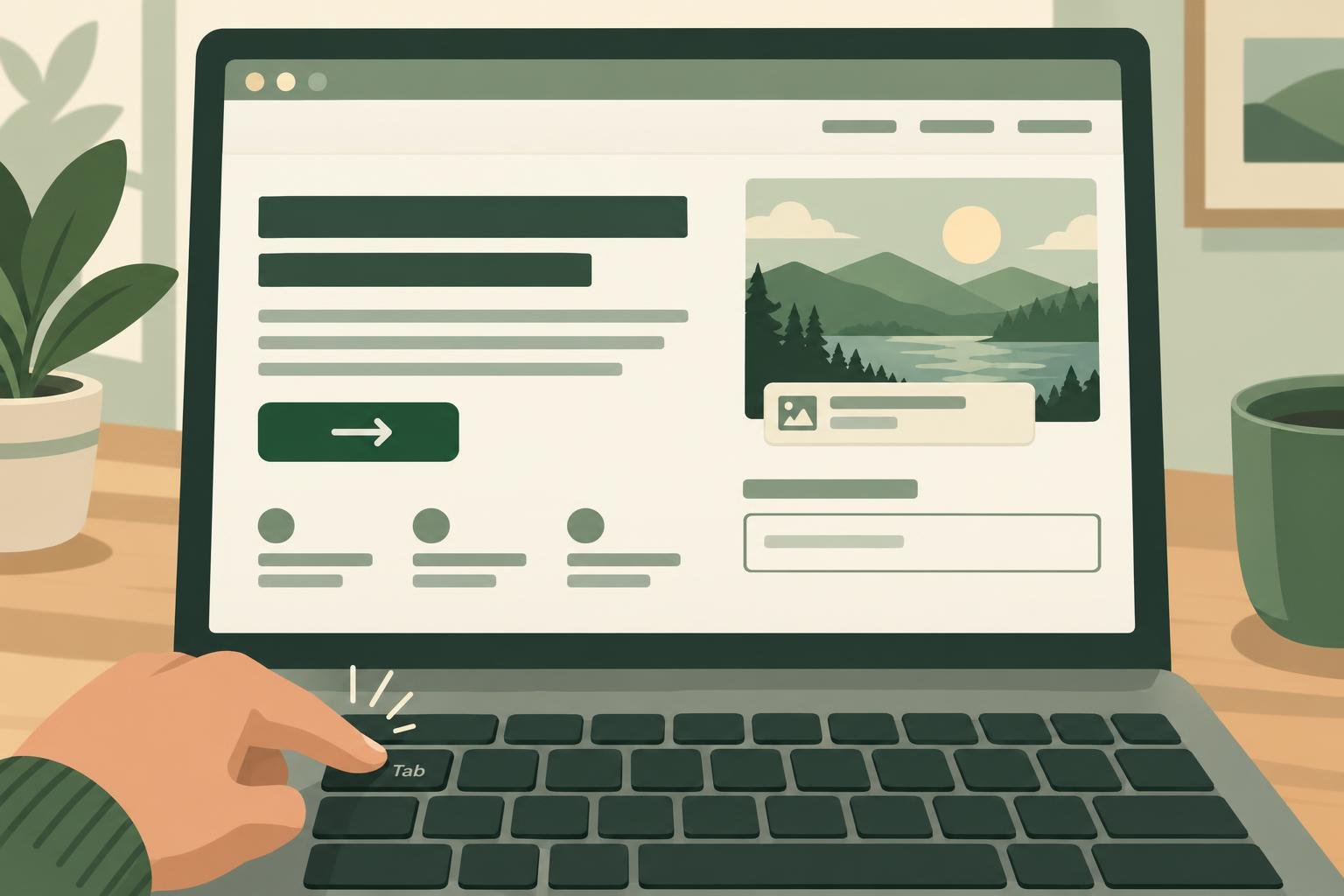
Every form field needs a visible label that stays put, not just placeholder text that disappears when someone starts typing. Error messages should say what went wrong and how to fix it. Try filling in your form using only the Tab key and the keyboard.
5. Do your links and buttons say where they go?
"Click here" and "Learn more" tell a screen reader user nothing when they hear a list of links. Use link text that makes sense on its own, like "See our menu" or "Book an appointment". Make sure buttons are large enough to tap on a phone.
Is an automated check enough?
No. Automated tools find only part of the accessibility problems a website can have, so a good score is a start, not a certification. Still, they catch the common issues quickly, and fixing those makes a real difference.
How Lentil helps
Our free website check runs an automated WCAG 2.2 AA audit in a real browser, on phone and computer sizes, and explains the top fixes in plain words. On Lentil sites, weekly checks look for accessibility issues and Lentil can fix them for you.
How accessible is your site?
Get a free A to F accessibility grade in about a minute, with the most important fixes. No account needed.
Check my website